



Why Does My Android Phone Keep Showing a Moisture Detected Warning?
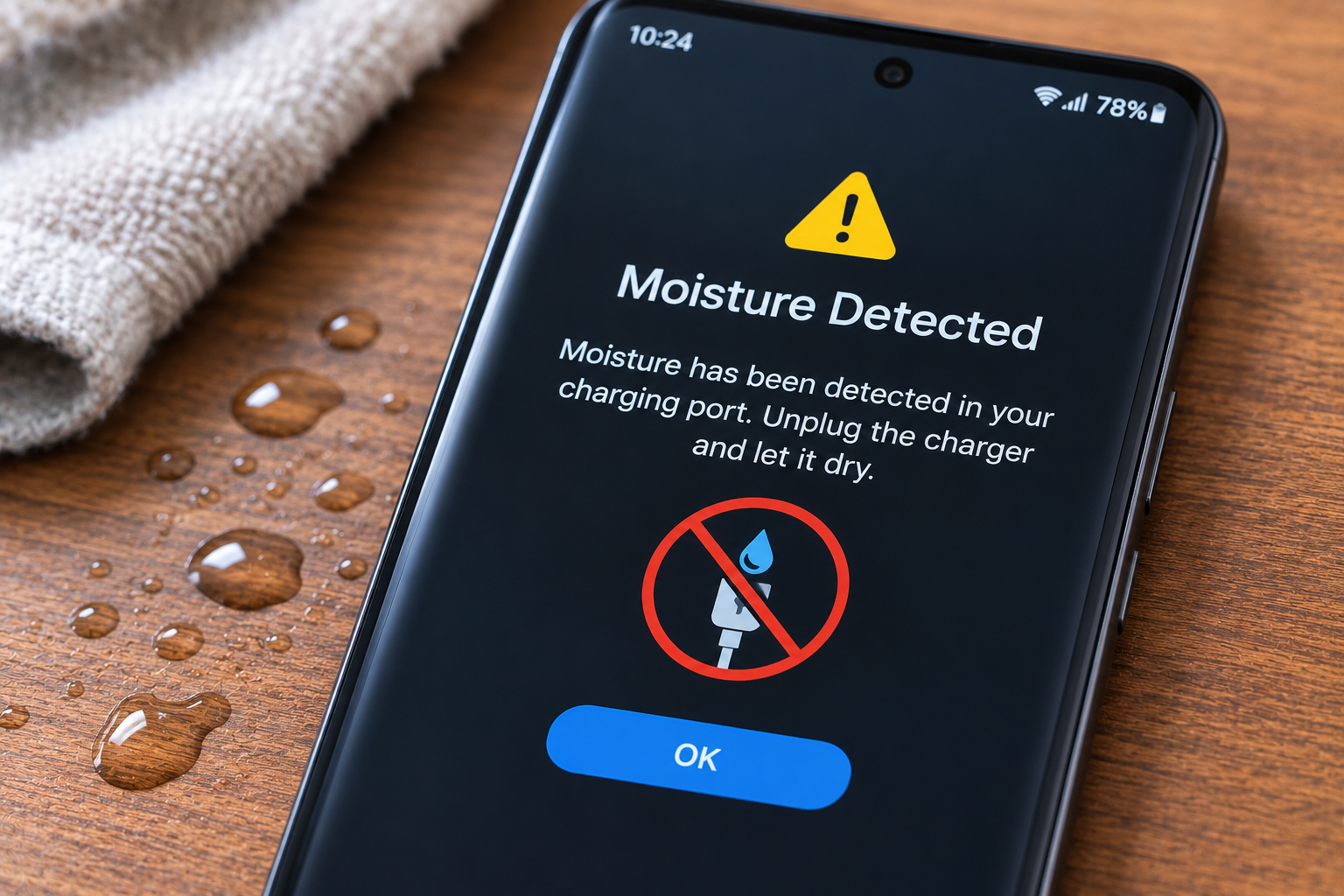
A moisture-detected warning is designed to stop your Android phone from charging through a USB-C port that may be wet or contaminated. It does not always mean the phone was submerged in water.
Rain, sweat, condensation, steam, residue, lint, or corrosion can all affect the electrical readings inside the charging port. The warning becomes more important when it keeps returning even after the phone appears dry.
Moe-Bile Repair offers Android repair in Southgate, MI for charging-port, water-damage, battery, and diagnostic issues.
The warning is there to protect the charging system
Charging through a wet connector can damage the port or internal circuitry, so many Android phones block wired charging when moisture is detected.
If the warning appears after rain, a damp pocket, or humidity, disconnect the charger and let the phone dry naturally in a ventilated indoor area. Avoid hair dryers, heaters, ovens, or other high-temperature methods.
Do not keep reconnecting the cable every few minutes. Give the port time to dry.
Moisture is not the only thing that can trigger the alert
Lint and debris can trap moisture inside the port. Beverages, sweat, and saltwater can leave conductive residue even after the visible liquid evaporates.
That residue can keep triggering the warning and can also contribute to corrosion. A port that looks dry from the outside may still need cleaning inside.
Do not insert pins, paper clips, or metal tools into the USB-C port. The contacts are small and easily damaged.
A damaged port can look like a moisture problem
If the alert keeps returning with no recent moisture exposure, the USB-C connector may be worn, bent, contaminated, or corroded.
Other clues include charging only at an angle, loose cable fit, slow charging, or repeated disconnections. When several of those symptoms appear together, waiting for the warning to disappear is unlikely to solve the underlying problem.
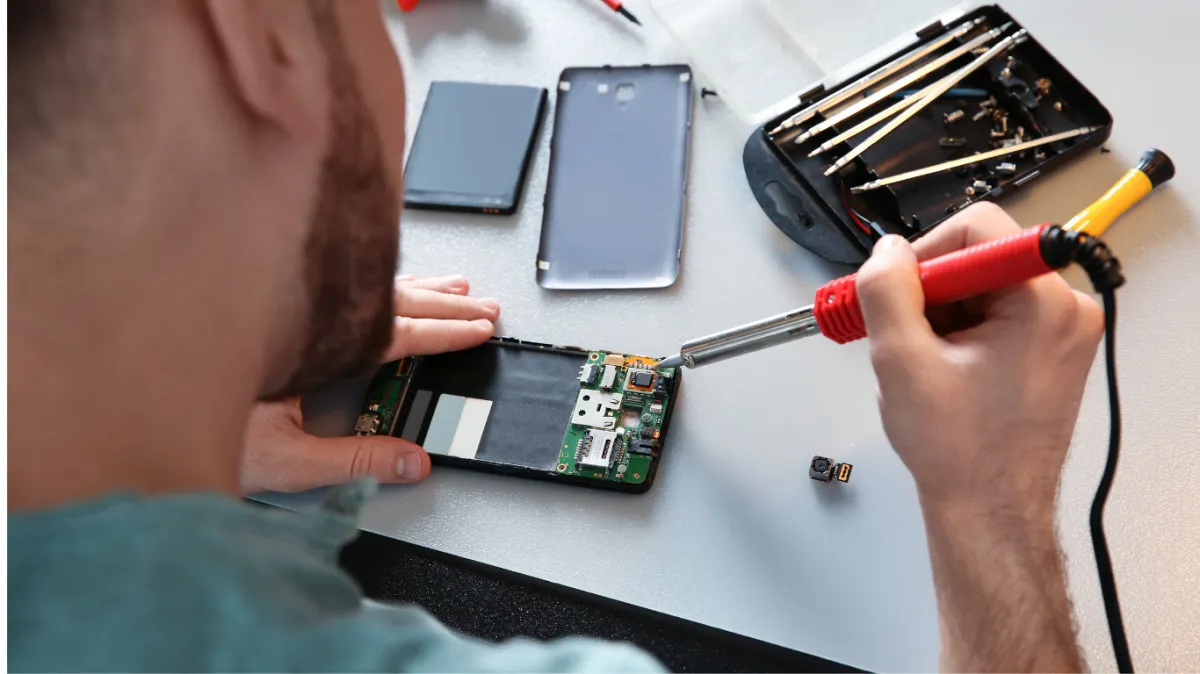
A technician can inspect the connector under magnification and determine whether cleaning, port repair, or deeper charging-system diagnosis is needed.
Liquid exposure can affect more than the charging port
A significant spill can reach the battery, charging board, or motherboard. The phone may show moisture alerts along with overheating, random restarts, battery drain, or display problems.
If the phone becomes hot, swells, smells unusual, or starts shutting down after getting wet, stop charging and using it until it can be inspected.
Those symptoms point beyond a simple wet-port warning.
What to do if the warning will not go away
A restart may clear a stale warning after the port is completely dry, but an alert that immediately returns should be treated as a real charging-system problem until inspection shows otherwise.
If your phone supports wireless charging and is otherwise stable, that may provide temporary power without using the port. It should not be used to ignore signs of serious liquid damage.
Moe-Bile Repair’s Android repair services include charge-port repair, water-damage service, battery replacement, and diagnostics.
Repeated moisture alerts are worth fixing before charging becomes unreliable
A one-time warning after obvious moisture is very different from a message that appears every day. Persistent alerts usually mean the connector needs attention.
Finding the cause early can prevent a charging-port issue from turning into a phone that will not charge at all.
Why humidity and condensation can trigger the warning
A phone does not need to be dropped in a sink to detect moisture. Moving from an air-conditioned room into hot humid weather can create condensation around the port. A phone carried during exercise can also collect sweat near the connector.
These situations often resolve once the port dries, but the warning may persist longer if lint is packed inside the connector because the debris holds moisture close to the contacts.
If the warning appeared without any obvious spill, think about the environment the phone was in before assuming the sensor itself is defective.
What not to do while the warning is active
Do not blow hot air directly into the port, place the phone in rice, or scrape inside the connector with a pin. Rice dust can enter the port, heat can damage adhesives and batteries, and metal tools can bend the contacts.
A dry, ventilated room is safer. If the phone supports wireless charging and is otherwise behaving normally, that may be a temporary option while the port dries.
If the warning continues after the phone has had plenty of time to dry, that is the point where inspection becomes more useful than repeated home troubleshooting.
Why corrosion can create recurring charging problems
Corrosion does not always cause an immediate total failure. It can create intermittent electrical readings that trigger moisture warnings, slow charging, or disconnect the charger unexpectedly.
Over time, corrosion can spread from the port to nearby components. A phone that has a history of liquid exposure and now shows recurring warnings should be checked before the charging system becomes unreliable.
Cleaning early is often simpler than waiting until the connector or charging board is badly damaged.
What information helps during a charging-port inspection
Bring the cable and adapter you normally use if the warning tends to appear with that setup. Explain whether the message began after rain, exercise, a spill, or no obvious moisture event at all.
Also mention whether the phone charges wirelessly, whether the USB-C cable feels loose, and whether the alert appears with multiple chargers. Those details help separate a contaminated port from a bad accessory or damaged connector.
If the warning comes and goes, do not worry about reproducing it perfectly before service. A technician can still inspect the port for residue, corrosion, and physical wear.
When the warning becomes more than a temporary inconvenience
A single alert after obvious moisture exposure may clear on its own. A warning that keeps coming back for days, appears with a dry phone, or begins alongside slow charging is different. That pattern suggests the connector may have residue, corrosion, or physical wear.
Repeatedly dismissing the message or forcing wired charging can turn an intermittent problem into a port that stops charging entirely. If the phone depends on wired charging, that can leave you without an easy way to power the device.
Having the port inspected while charging still works is usually easier than waiting for a complete failure.
If you depend on the phone for work, navigation, or two-factor authentication, do not wait until the port stops charging completely. A recurring warning is easier to address while the phone still has enough power to back up data and while the connector can still be tested under normal conditions.
Also pay attention to whether the warning appears only when one particular cable is inserted. A damaged or contaminated cable connector can introduce its own moisture or debris and make the phone appear to have a port problem. Testing with a known-good cable helps separate the accessory from the phone before repair.
Get Your Android Charging Port Checked in Southgate, MI
If the moisture warning keeps coming back, contact Moe-Bile Repair for an inspection before repeatedly forcing wired charging. We can check the USB-C port for moisture, residue, corrosion, or physical damage. Visit our Southgate repair shop for Android charging repair.
