



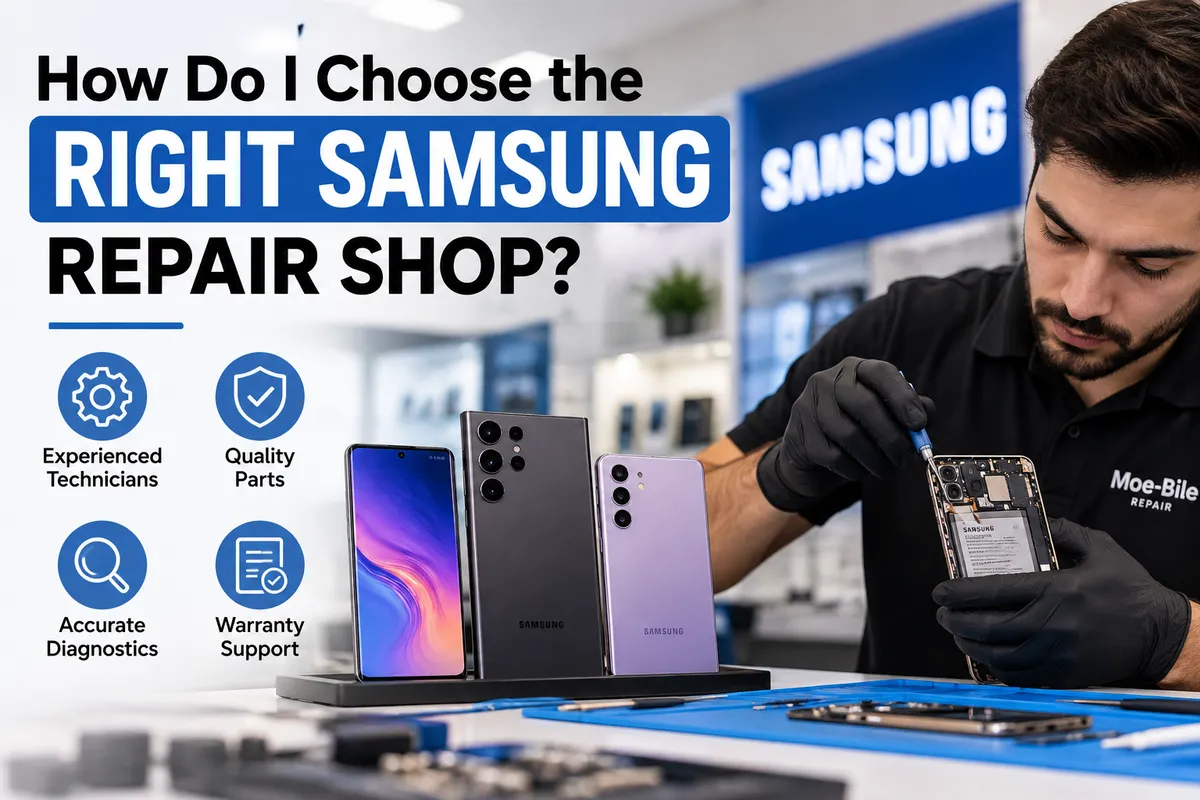
How Do I Choose the Right Samsung Repair Shop?
The right Samsung repair shop should do more than replace a broken part. Look for a repair provider that properly diagnoses the device, explains what failed, uses reliable replacement parts, tests the phone after repair, and provides clear information about workmanship and warranty coverage.
This matters because two Samsung phones with similar symptoms may need completely different repairs. A Galaxy that will not charge could have debris in the USB-C port, a damaged charging connector, a failing battery, or a board-level power problem. A phone with a black screen may have a damaged display even though the device itself is still running.
For Samsung owners in Southgate, MI, choosing a repair shop should therefore begin with diagnosis rather than simply looking for whoever offers the quickest part replacement.
Moe-Bile Repair provides Android repair services for Samsung Galaxy phones, including screen, back glass, battery, charging port, camera, speaker, water damage, and diagnostic work.
Choose a Shop That Diagnoses the Problem First
One of the clearest signs of a dependable Samsung repair shop is a willingness to identify the cause of the problem before recommending a repair.
Not every symptom tells you exactly which component has failed.
If your Samsung will not turn on, for example, the problem could involve the display, battery, charging system, power button, internal connector, or motherboard. Replacing a battery simply because the phone appears dead may not solve anything.
The same principle applies to overheating, rapid battery drain, intermittent charging, camera problems, and touchscreen issues.
A proper diagnostic process helps separate the symptom you see from the component actually causing it.
This can also prevent unnecessary repairs and give you a clearer understanding of whether the phone is worth fixing.
Does the Shop Regularly Work on Samsung Galaxy Phones?
Samsung produces many different Galaxy devices, from S-series and A-series phones to Galaxy Z Fold and Z Flip models.
The internal construction can vary significantly between models.
Screen assemblies, batteries, charging ports, adhesive systems, back glass, camera layouts, and internal connectors are not identical across the Galaxy range.
That means experience with general phone repair is useful, but familiarity with Samsung devices is even better.
When speaking with a repair shop, tell them your exact Samsung model and describe the problem. A technician should be able to explain whether they service that model and what type of diagnosis is appropriate.
Moe-Bile Repair’s Android repair service includes Samsung alongside other major Android brands, so Samsung devices fall within its established repair category.
Ask What the Repair Actually Includes
A good repair explanation should go beyond saying, “We’ll replace the screen.”
For example, if your Galaxy has been dropped, the technician may also need to check the frame for bending or damage before installing a replacement display.
If the rear glass shattered, the battery, wireless charging components, cameras, and surrounding frame may need inspection.
If the phone suffered liquid exposure, replacing one visibly damaged component may not address corrosion elsewhere inside the device.
You do not need a highly technical explanation, but the shop should be able to tell you what they intend to repair and why.
Clear communication is an important part of trustworthy service.
Look for Proper Samsung Screen Repair Diagnosis
A damaged Galaxy screen can produce several different symptoms.
The outer glass may crack while the display underneath continues working. In other cases, the OLED panel may develop black areas, green lines, flickering, discoloration, or a completely black screen.
Touch sensitivity can also fail independently of the image.
A repair shop should therefore determine whether the problem involves the glass, display, touch layer, internal connection, or impact damage elsewhere in the phone.
This becomes especially important with modern Samsung Galaxy displays, where replacing the wrong component or overlooking frame damage can lead to an incomplete repair.
Battery Problems Need More Than Guesswork
Poor battery life does not always mean the battery itself has failed.
A Samsung phone can drain quickly because of background apps, poor cellular signal, software problems, overheating, charging faults, or internal electrical issues.
Battery deterioration is certainly common as phones age, but testing the device first provides a better basis for recommending replacement.
Common signs that may point toward battery trouble include rapid discharge, unexpected shutdowns, inconsistent battery percentages, excessive heat, or swelling.
If the rear panel has started lifting away from the frame, the battery should be inspected before the phone is pressed or glued back together.
Battery swelling should be treated as a hardware and safety issue, not simply a cosmetic problem.
Check How the Shop Handles Charging Problems
Charging problems are another area where diagnosis matters.
A Samsung phone that only charges when the cable is held at an angle may have compacted debris, damaged contacts, a worn charging port, or a board-level connection problem.
Similarly, a phone that does not charge at all may actually have a failing battery or power-management issue.
A competent repair process should begin with safe testing of the cable, adapter, port, battery behavior, and charging system.
Moe-Bile’s Android service includes charge port repair and diagnostic services, which makes that service page a relevant starting point when charging becomes unreliable.
Ask About the Replacement Parts Being Used
Replacement-part quality can influence display performance, touch sensitivity, battery reliability, camera operation, fit, and long-term durability.
You do not need to become an expert in repair parts before visiting a shop.
However, it is reasonable to ask what type of part will be installed and whether the repair is covered by a warranty.
Be cautious when a shop cannot explain anything about the replacement component or offers a price that seems unusually low without explaining what is included.
Price matters, but the cheapest repair is not automatically the best value if the phone needs to be repaired again shortly afterward.
Moe-Bile Repair states that it uses parts sourced through its trusted suppliers and offers warranty coverage on eligible repairs.
Make Sure the Phone Is Tested After Repair
Replacing a component should not be the final step.
The device should also be checked to make sure the repaired function works properly and that other nearby functions were not affected.
Depending on the repair, post-repair testing may include:
Touchscreen and display response
Charging and battery behavior
Cameras, speakers, and microphones
Buttons, connectivity, and general device operation
For example, after a screen repair, the technician should not only confirm that an image appears. Touch response and related functions should also operate normally.
After charging port work, the phone should maintain a stable connection rather than simply showing the charging symbol once.
This type of functional testing is part of completing the repair properly.
Ask About Warranty Coverage Before Approving the Repair
A repair warranty gives you important information about how the shop stands behind its work.
Ask whether the repair is covered and what the warranty applies to.
Coverage may vary depending on the repair, replacement part, device condition, and type of damage.
Accidental damage or new liquid exposure, for example, may not be treated the same way as a defect involving an installed component.
The important point is that the terms should be clear enough for you to understand what happens if a repair-related problem develops afterward.
Moe-Bile Repair states that it provides a warranty on eligible repairs, with restrictions applying depending on the situation.
Be Careful With Liquid-Damaged Samsung Phones
If your Galaxy has been exposed to water or another liquid, choosing a repair shop based solely on screen or battery replacement is risky.
Liquid can affect multiple components at once.
A device may initially appear functional while corrosion develops around connectors or board components.
Tell the technician what happened, even if the liquid exposure occurred days or weeks before the current problem appeared.
This history can materially change the diagnostic process.
For significant liquid exposure, avoid repeatedly turning the phone on or charging it simply to see whether it still works.
A proper inspection should determine the condition of the phone before unnecessary power is applied.
Consider Data Protection Before Major Repair Attempts
Your Samsung may contain photos, messages, work files, authentication apps, contacts, and other information that matters more than the hardware itself.
Before authorizing software restoration, factory resetting, or major troubleshooting, ask whether the proposed step could erase your data.
This is particularly important for phones experiencing boot loops, motherboard problems, or storage-related failures.
If the phone still works well enough to back up important information before repair, doing so is sensible.
If it does not, tell the technician that data preservation is a priority before any destructive troubleshooting begins.
Should You Choose the Cheapest Samsung Repair Shop?
Price should be part of the decision, but it should not be the only factor.
Compare what the estimate includes.
A slightly higher quote that includes proper diagnostics, a reliable replacement part, installation, testing, and warranty support may represent better value than a lower quote covering only the part swap.
Likewise, an expensive quote does not automatically mean superior work.
What matters is whether the shop can clearly explain the diagnosis, proposed repair, parts, expected outcome, and coverage afterward.
When Is a Samsung Phone Not Worth Repairing?
A reputable repair shop should also be willing to tell you when multiple problems may make repair less practical.
Suppose an older Galaxy has a broken screen, failing battery, damaged charging port, and severe frame damage. Repairing every problem may not make financial sense compared with replacing the device.
On the other hand, a newer Galaxy with one damaged component may be a strong candidate for repair.
The right decision depends on the phone’s age, overall condition, repair needs, data importance, and how long you intend to continue using it.
Good diagnostics give you the information needed to make that decision rather than pushing you automatically toward one option.
Choosing a Samsung Repair Shop in Southgate, MI
The right Samsung repair shop should be able to identify what failed, explain the repair clearly, use dependable parts, inspect related components, test the device after repair, and provide clear warranty information.
That matters whether you need Galaxy screen repair, battery replacement, charging port repair, back glass replacement, camera repair, water-damage diagnostics, or help with a phone that will not turn on.
Moe-Bile Repair provides Samsung and other Android phone repair services at its Southgate, MI location, with diagnostic services available to help identify the actual source of a device problem.
If your Samsung Galaxy is damaged or behaving unusually, contact Moe-Bile Repair to have the device evaluated and determine which repair, if any, is appropriate.
Choosing a repair shop should ultimately come down to confidence in the diagnosis and repair process, not simply finding someone willing to replace a part.
