




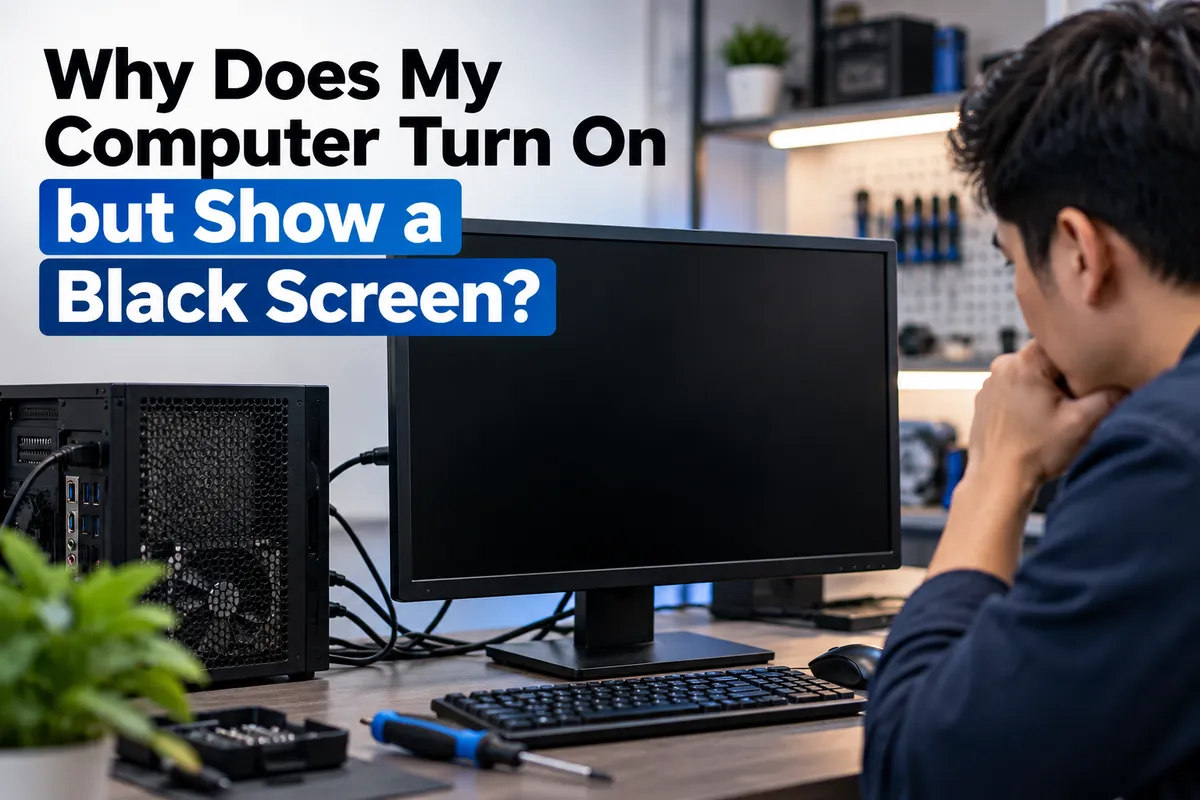
Why Does My Computer Turn On but Show a Black Screen?
A computer that powers on but shows a black screen can be confusing because the machine appears to start, yet nothing useful appears on the monitor. Fans may spin, lights may come on, and you may hear startup sounds, but the display remains blank.
The cause can range from a loose monitor cable or incorrect display input to memory problems, a failing graphics card, power-supply instability, storage failure, or motherboard faults. A black screen does not automatically mean the entire computer is dead.
For computer owners in Southgate, MI, the safest approach is to start with simple external checks, protect important data, and move toward hardware diagnostics only when needed. Moe-Bile Repair provides computer and laptop repair for display, charging, hardware, software, and diagnostic issues.
What Does It Mean When a Computer Turns On but the Screen Stays Black?
When a computer appears to power on but displays nothing, part of the power system is working, but the machine may be failing before it can send a usable video signal to the screen.
The timing matters. A computer that never shows a manufacturer logo may have a different problem from one that displays the logo and then turns black. Technicians often use the point of failure, warning lights, beep codes, fan behavior, and keyboard response to narrow down the cause.
Start With the Monitor, Cable, and Display Input
Before assuming there is an internal fault, check the display connection.
Make sure the monitor is powered on and set to the correct HDMI, DisplayPort, or other input. If possible, test another compatible video cable and monitor.
Desktop computers with a dedicated graphics card may have more than one set of display ports. Using the wrong output can result in no picture even though the computer is running.
These checks matter because a bad cable, monitor, or input selection can create the same symptom as a serious hardware problem.
Memory Problems Can Prevent Video Output
RAM is required very early in the startup process. If a memory module is loose, damaged, incompatible, or not making good contact, the computer may power on without completing its normal startup checks.
Some systems restart repeatedly, produce beep codes, or show diagnostic LEDs. Others simply run their fans while the screen remains black.
If the computer was recently moved, upgraded, or opened, memory seating becomes especially relevant. A technician can test whether a module, slot, or another component is responsible.
A Graphics Card Problem May Be Responsible
A dedicated graphics card can fail even when the rest of the computer still powers on.
You may see a black screen, video that cuts out under load, or visual artifacts before the display disappears. A loose graphics card, damaged power connector, failing GPU, or motherboard slot can all interrupt video.
Replacing the graphics card without testing the rest of the system can be expensive and may not solve the problem if the real fault is the power supply or motherboard.
Power Supply Problems Can Look Like Display Failures
A power supply does not have to fail completely to cause a black screen.
A weak or unstable unit may provide enough power for fans and lights but not enough stable power for the processor, graphics card, or motherboard to initialize correctly.
This becomes more likely if the computer has been shutting down unexpectedly, restarting under load, or showing problems after a hardware upgrade. Power testing helps separate a display issue from a system-wide fault.
Could Windows or Software Be Causing the Black Screen?
Yes. If you see the manufacturer logo or BIOS screen before the display goes black, the computer may be completing its hardware startup and failing later.
Possible causes include a damaged graphics driver, failed operating-system update, corrupted startup files, or software that blocks normal loading.
If important files are stored on the computer, avoid jumping straight to a factory reset or operating-system reinstall. Those steps can erase data and should not be the first response to an unexplained black screen.
Storage Failure Can Interrupt Startup
A failing SSD or hard drive can also cause startup problems.
You may see a logo followed by a black screen, a loading indicator that never finishes, or repeated boot attempts. Earlier slow performance, file errors, or freezing are useful clues.
When data matters, storage problems should be handled carefully. Repeated restoration, formatting, or reinstall attempts can reduce the chance of recovering files from a failing drive.
Motherboard Faults Can Produce the Same Symptom
The motherboard coordinates power, memory, storage, graphics, and communication between components. A fault in its power circuits, firmware, connectors, or other components can leave a computer apparently powered on with no usable display.
These problems can look similar to bad RAM, a weak power supply, or graphics failure. That is why proper testing matters before expensive parts are replaced.
What If It Is a Laptop With a Black Screen?
A laptop adds more possibilities because the screen, display cable, battery, and motherboard are built into the same device.
The laptop may be running while the internal display has failed. A damaged display cable near the hinge can interrupt the picture when the lid moves. Backlight failure can also make the screen appear completely black even when a faint image is present.
Testing with an external monitor can help, but it does not identify every fault. A laptop that works externally may still need screen, cable, or connector repair.
What Can You Safely Try at Home?
Start with non-invasive checks. Confirm that the monitor has power, select the correct input, reconnect the video cable, and test a known-good cable or display if available. Disconnect unnecessary USB devices and restart the computer once.
Listen for unusual beep patterns and note any diagnostic lights because those details can help during repair.
Do not keep switching the machine on and off if you smell burning, hear electrical arcing, see smoke, or notice severe overheating. Leave it powered down until it can be inspected.
Why Professional Diagnostics Matter
A black screen is a symptom, not a diagnosis.
The monitor, cable, RAM, graphics card, power supply, storage, motherboard, and software can produce overlapping symptoms. Good computer repair follows a process of elimination rather than replacing the most obvious component first.
A technician may test the display path, memory, power delivery, graphics output, storage condition, and motherboard startup behavior. On a laptop, the internal screen and display cable may also be evaluated.
This step-by-step approach helps identify the actual failure and reduces unnecessary parts replacement.
Moe-Bile Repair lists data recovery and diagnostic services as part of its computer repair offerings, which is relevant when the problem may involve storage rather than only the display.
Computer Black Screen Repair in Southgate, MI
If your computer turns on but shows a black screen, do not assume you need a new computer. The problem may be as simple as a cable or monitor issue, or it may involve memory, graphics, storage, power delivery, the display assembly, or the motherboard.
Moe-Bile Repair provides computer and laptop repair in Southgate, MI, including diagnostics, hardware repair, broken-screen service, battery replacement, charging issues, data recovery, and software troubleshooting.
If basic monitor and cable checks do not restore the display, having the computer diagnosed can determine whether the problem is external, software-related, or caused by an internal component. You can visit Moe-Bile Repair's Southgate location or contact the repair team to have the computer evaluated.
The goal is not simply to make the screen light up again. A proper repair should identify why video output failed, confirm that the rest of the system is stable, and protect your data whenever possible.
