




Why Does My iPad Only Stay On When It’s Plugged In?
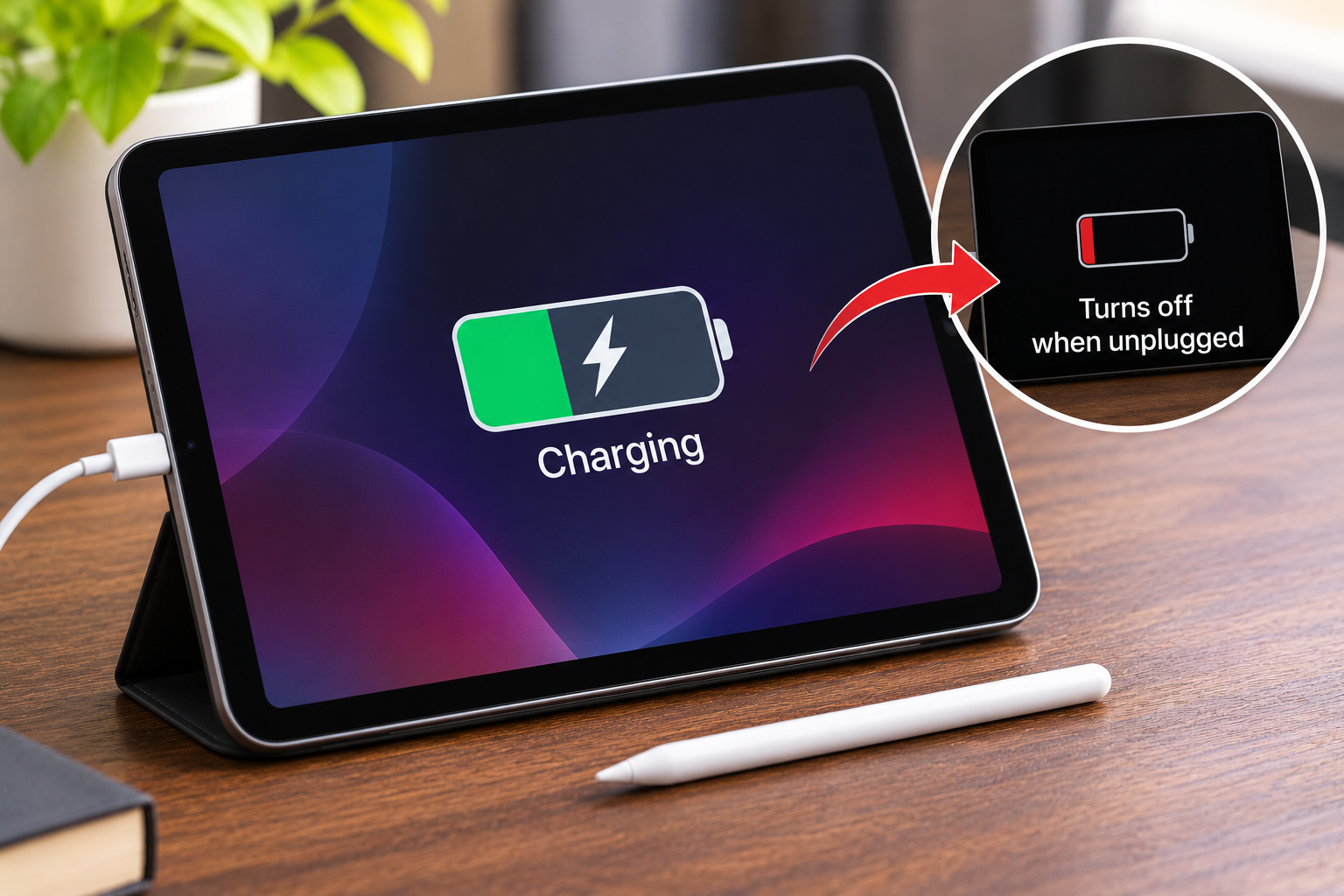
An iPad that works while connected to a charger but shuts off as soon as it is unplugged is usually telling you that the internal battery or power system is no longer supporting the device properly.
A worn battery is one of the most common causes, but charging-port problems, weak adapters, battery connections, liquid exposure, and internal power faults can create similar behavior.
Moe-Bile Repair provides iPad and tablet repair in Southgate, MI for battery, charging, screen, water-damage, and diagnostic issues.
Why the charger can keep the iPad alive
When the iPad is plugged in, the charger can supply power directly while also attempting to recharge the battery. If the battery can no longer store or deliver enough energy, the tablet may appear normal only while external power is connected.
Some iPads shut off immediately when unplugged. Others last a few minutes or show a battery percentage that suddenly drops. That behavior helps show how much usable battery capacity remains.
A charger can therefore hide a failing battery by keeping the device running.
A worn battery is common, but it is not the only possibility
Lithium-ion batteries lose capacity as they age. Heat, charging cycles, and time all contribute to that wear.
If the iPad also drains quickly, restarts, or shows inconsistent battery percentages, the battery becomes more likely. But an unstable battery connection or power-management issue can produce similar symptoms.
That is why diagnosis is more useful than replacing the battery based on one symptom.
Check the charger and charging port too
An underpowered adapter or damaged cable may keep the iPad on without charging the battery effectively. Test a known-good compatible charger before assuming the tablet needs repair.
If the cable feels loose, only works at an angle, or the iPad charges unusually slowly, the port may also need attention.
Bring the charger you normally use when you take the iPad in for service if the charging behavior is part of the problem.
Be careful with resets when important data is involved
A software problem can occasionally cause incorrect battery reporting or unexpected shutdowns, but an iPad that consistently dies when unplugged often needs hardware testing.
Do not factory reset the device before confirming that important photos, school files, or work documents are backed up. A reset will not repair a failed battery.
If the iPad stays on while connected, that may give you enough time to complete a backup before service.
Watch for battery swelling or excessive heat
If the display begins lifting, the case appears swollen, or the iPad becomes unusually hot, stop charging and using the tablet until it can be inspected.
Do not press a lifting screen back down. Battery expansion can damage the display and create a safety concern.
Those symptoms require more urgent attention than a battery that simply has poor runtime.
How the repair is diagnosed
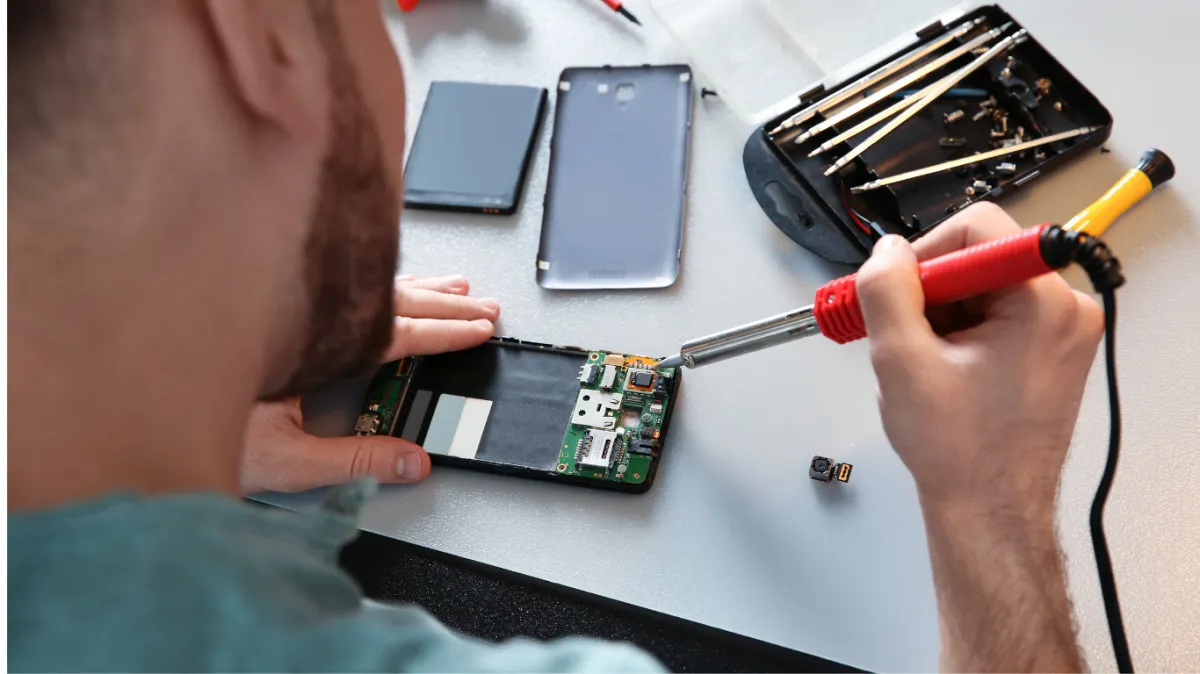
A technician can test the charger, inspect the charging port, evaluate battery behavior, and determine whether the iPad is receiving and storing power correctly.
If the battery is healthy but the device still cannot stay on unplugged, deeper power-management or board-level testing may be necessary.
Moe-Bile Repair’s tablet repair service includes battery replacement, charge-port repair, diagnostics, screens, buttons, speakers, cameras, and water-damage service.
A battery problem does not automatically mean the iPad is finished
If the screen, storage, processor, and other hardware are still in good condition, a battery or charging repair may restore normal portable use.
The repair decision should consider the model, age, software support, condition, and cost rather than assuming the whole tablet needs to be replaced.
Why battery percentage readings can be misleading
A failing battery can report a percentage that does not match the amount of usable energy it can actually deliver. An iPad may show 40% or 60% and still shut down as soon as the charger is removed.
That can happen because the battery voltage drops under load even though the software still estimates remaining capacity. After reconnecting the charger, the percentage may jump or return to a different number.
These sudden changes are useful diagnostic clues. They make a worn or unstable battery more likely than a simple setting problem.
Should you leave the iPad plugged in all the time?
Keeping the iPad permanently connected can make it usable temporarily, but it does not repair the underlying issue. If the battery is failing, continued charging can eventually lead to heat, swelling, or more unpredictable shutdowns.
It also removes the main benefit of a tablet: portability. If the iPad is otherwise in good condition, diagnosing the battery and charging system is usually more practical than turning it into a permanently plugged-in device.
If the screen begins lifting or the enclosure looks swollen, stop charging and have the iPad inspected promptly.
How to decide whether repair is worth it
Consider the iPad model, storage capacity, software support, overall condition, and how you use it. A relatively recent iPad with a healthy screen and good performance may be worth repairing if the failure is isolated to the battery.
An older tablet with several other problems may not justify the same investment. A diagnostic result helps you make that decision with actual information instead of guessing based on the shutdown symptom.
What to tell the technician about the shutdown pattern
Describe exactly what happens when the charger is removed. An iPad that shuts off instantly behaves differently from one that lasts ten minutes and then dies. Mention whether the battery percentage drops suddenly, gets stuck, or jumps after reconnecting power.
Also mention whether the iPad has been dropped, exposed to liquid, or repaired previously. A charging-port issue, loose battery connection, or board problem can mimic a worn battery.
If possible, bring the charger and cable you normally use so the technician can rule out an accessory problem at the same time.
When to have the iPad checked instead of leaving it plugged in
If the iPad has become a device that only works beside a wall outlet, the battery problem is already interfering with normal use. Leaving it plugged in continuously may keep it running, but it does not correct the underlying failure.
Have it checked sooner if the battery percentage changes suddenly, the tablet restarts, the charger gets unusually warm, or the screen begins lifting. Those symptoms can point to a battery or power problem that deserves more urgent attention.
An inspection can also tell you whether repair makes sense for the age and condition of the iPad before you spend money on replacement.
If you use the iPad for school, work, or family photos, back it up while it is still able to stay on with the charger connected. A stable backup gives you more flexibility if the battery or power problem becomes worse before the repair is completed.
If the iPad has been repaired before, mention that during service. Previous battery or charging work can affect the way the device is diagnosed and may help explain why the shutdown problem began.
Get Your iPad Battery and Power Issue Checked in Southgate, MI
If your iPad only stays on while plugged in, contact Moe-Bile Repair for battery and charging diagnostics. We can determine whether the battery, port, or internal power system is causing the shutdowns. Visit our Southgate repair location for service.
