




Why Does My iPhone Show It’s Charging but Still Lose Battery?
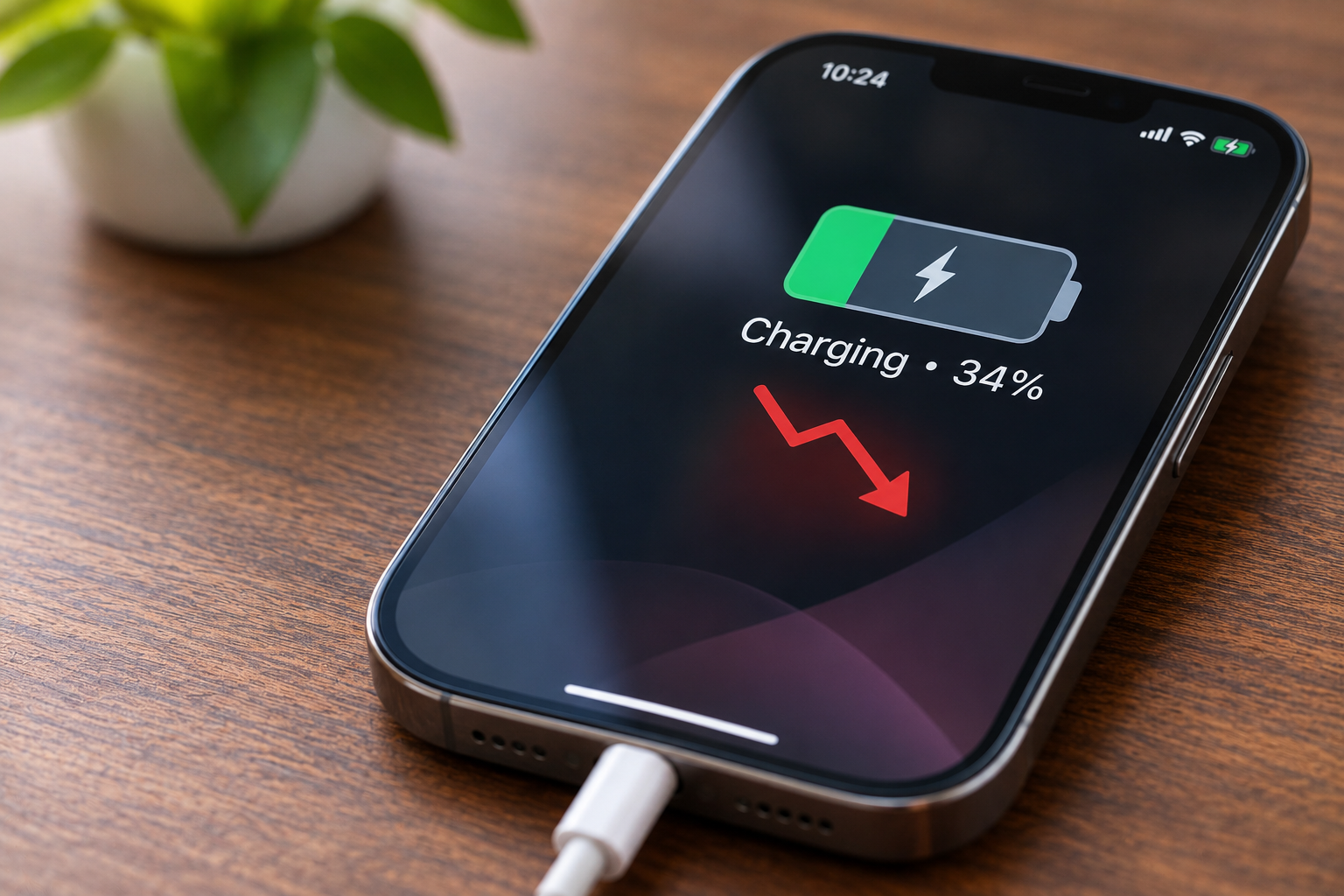
Seeing the charging symbol while the battery percentage continues to fall is frustrating because the phone appears to be receiving power. In reality, the charging icon only tells you that the iPhone detects a power source. It does not prove that enough usable power is reaching the battery.
The phone can lose charge while plugged in when the charger is too weak, the cable or port is damaged, the battery is worn, the phone is overheating, background activity is unusually high, or the internal charging system is not working correctly.
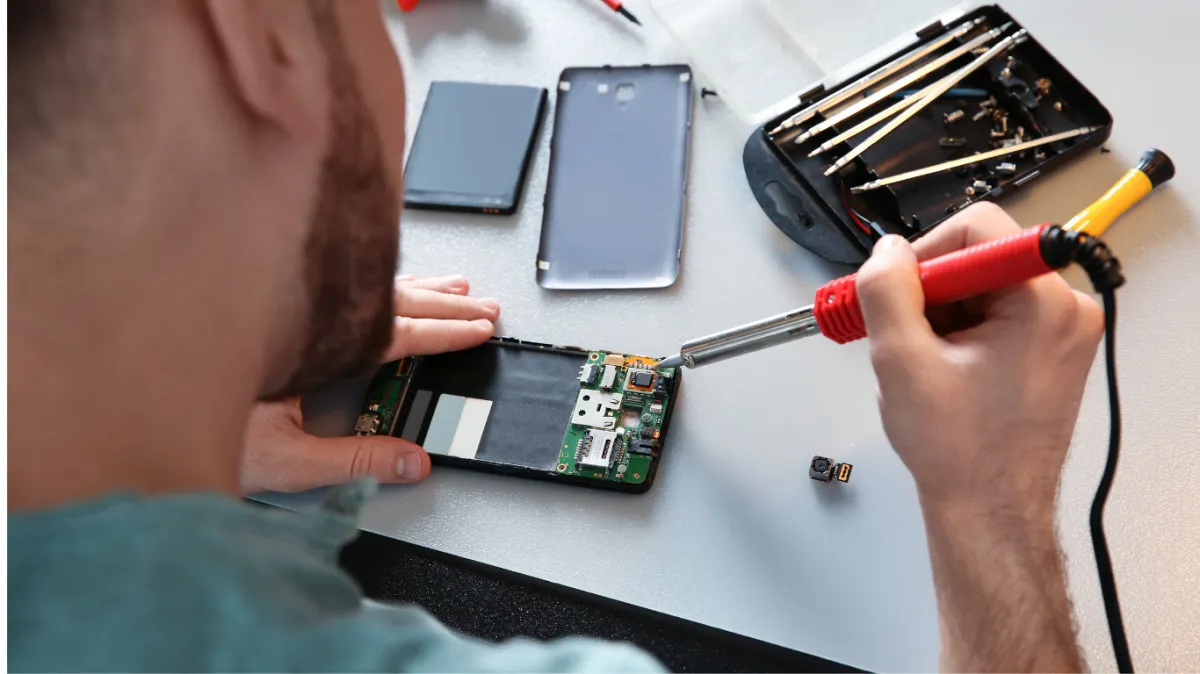
For customers in Southgate, MI, Moe-Bile Repair’s iPhone repair service includes battery replacement, charging-port repair, water-damage service, and diagnostics.
Your iPhone may be using power faster than it receives it
An iPhone keeps consuming power while it is plugged in. Navigation, gaming, video calls, hotspot use, camera recording, background syncing, high screen brightness, and poor cellular signal can all increase power demand.
If the charger is weak, the phone can recognize that it is connected yet still use more power than the charger supplies. This is especially noticeable during heavy use.
A useful comparison is to connect a known-good charger, lock the screen, and leave the phone idle for a short period. If the percentage rises while idle but falls during demanding use, the charger output and power demand both deserve attention.
Start with the cable, adapter, and charging port
A damaged cable or low-output adapter is one of the easiest causes to rule out. Test a compatible cable and adapter that you already know work correctly. Use a wall outlet rather than a questionable USB port.
Then look at the charging port. Packed lint can prevent the connector from seating fully. A worn or damaged port may charge only at an angle, disconnect when the cable moves, or deliver power inconsistently.
Avoid metal tools inside the port. If debris is packed in or the connector feels loose, professional cleaning or repair is safer.
Battery condition still matters
A worn battery stores less energy and may behave unpredictably under load. You may notice faster drain, sudden shutdowns, unusual heat, or the need to charge multiple times a day.
Battery Health can provide useful context, but it should not be the only factor. A battery can show an acceptable percentage and still behave poorly if there is another charging or electrical problem.
That is why replacing the battery without checking the rest of the charging path can be a mistake.
Heat and software activity can slow charging
iPhones manage charging when temperature rises. Heavy apps, direct sunlight, gaming, navigation, or a failing battery can make the phone hot enough that charging slows down.
Recent updates, cloud restores, photo syncing, and misbehaving apps can also increase background power use. If the issue began after an update, give the phone time to finish background tasks and check Battery settings for unusually high usage.
If the phone remains hot during light use or while idle, that is a stronger reason to have it inspected.
Liquid exposure and internal charging faults are harder to see
Moisture can damage the charging port, battery connection, or power-management circuitry. The phone may still show a charging symbol while failing to charge efficiently.
Internal power faults can create similar symptoms. The battery, charging port, and board all work together, so one damaged part can affect the entire process.
A proper diagnosis at Moe-Bile Repair can test the charging source, port, battery behavior, and internal power path instead of assuming the battery is always the problem.
Know when to stop charging
If the iPhone becomes extremely hot, the screen begins lifting, the phone smells unusual, or the body appears swollen, stop charging it and have it checked. Those signs can point to a battery safety issue.
For a phone that simply charges slowly or loses power during use, testing is still worthwhile before the problem becomes severe enough that the phone will not stay on.
Why charging speed can change from one situation to another
Charging is not a fixed-speed process. The iPhone adjusts how much power it accepts based on temperature, battery level, charger capability, and what the phone is doing at the time. That is why a phone may charge normally overnight but lose battery when you use maps, video, or hotspot features while plugged in.
Wireless charging can also behave differently from wired charging. If one method works normally and the other does not, that comparison can help isolate the problem. For example, reliable wireless charging with unstable wired charging may point more strongly toward the cable or charging port.
If both methods are slow and the phone drains rapidly even while idle, the battery or internal power system deserves more attention.
What information makes a charging diagnosis faster?
Pay attention to whether the battery percentage drops only during heavy use or even while the screen is locked. Note whether the phone gets hot, whether the cable must be held at an angle, and whether the same problem happens with more than one charger.
Bring the cable and adapter you normally use if the issue is intermittent. A technician can compare your accessories with known-good charging equipment and determine whether the problem follows the charger or stays with the phone.
That approach is more useful than replacing the battery first and hoping the symptom disappears.
When repair becomes more likely than a simple accessory problem
If the iPhone loses battery with more than one known-good charger, does the same thing while locked and idle, or becomes unusually hot while charging, the problem is less likely to be only the cable or adapter.
Repeated disconnects, angle-dependent charging, sudden percentage drops, or shutdowns also point toward a phone-side issue. At that stage, continued charger swapping usually does not provide much new information.
A technician can test actual charging behavior under controlled conditions and compare battery performance before recommending a port, battery, or board-level repair.
When the pattern points to an internal repair
If the battery still falls while the screen is locked, the phone is cool, and a known-good charger is being used, the problem is no longer behaving like normal heavy-use drain. The charging system should be tested.
A port that only works at certain angles, a battery percentage that jumps, or a phone that shuts down unexpectedly adds more evidence that the issue is inside the device rather than in the accessory.
At that point, the useful question is whether the phone needs a battery, port repair, or deeper power diagnosis. Testing first keeps the repair focused and avoids replacing the wrong part.
If the problem is intermittent, take note of the exact charger, battery percentage, and activity that was happening when the drain appeared. Patterns such as losing power only during navigation, only with one cable, or only when the phone is hot can make diagnosis much more precise.
Get Your iPhone Charging Problem Diagnosed in Southgate, MI
If your iPhone says it is charging but the battery keeps dropping, contact Moe-Bile Repair for charging and battery diagnostics. We can determine whether the issue is the charger, port, battery, software, or internal hardware. You can also visit our Southgate repair shop for service.
