



PS5 HDMI Signal Cuts Out When Cable Moves | Southgate
Why Does My PS5 Keep Losing Picture When I Move the HDMI Cable?
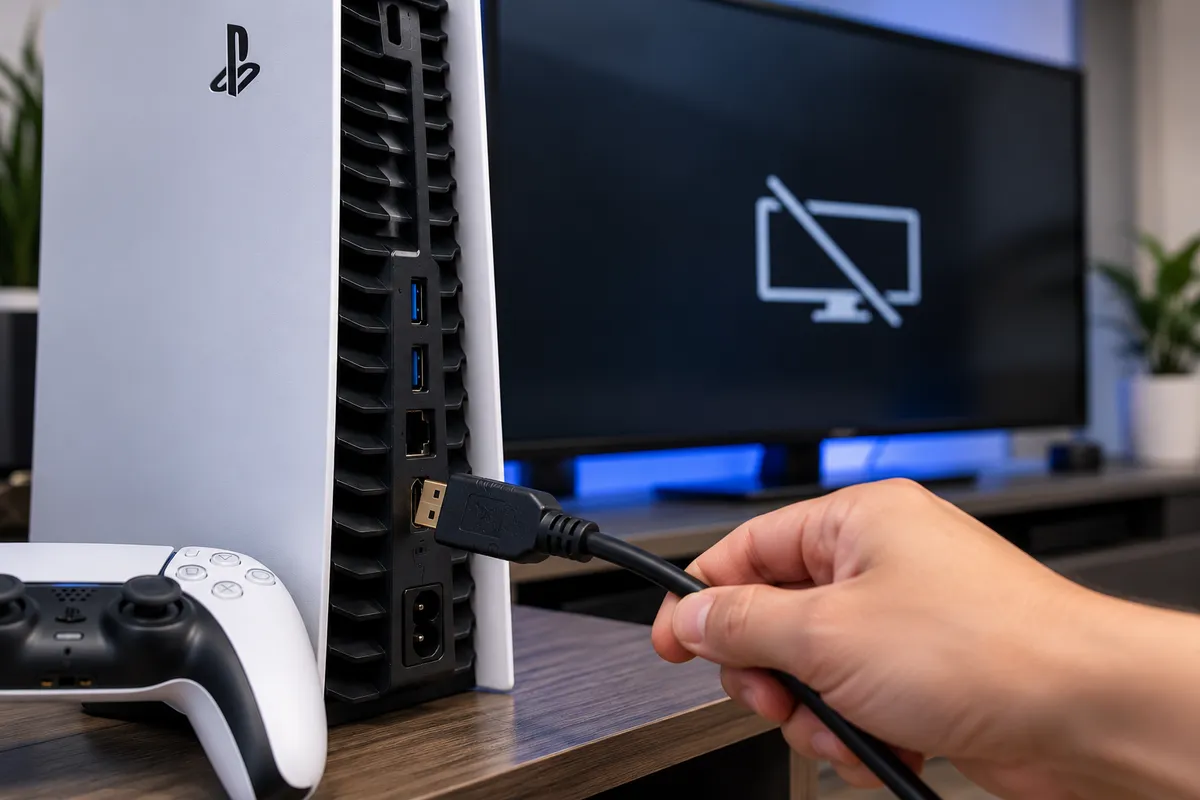
If your PS5 loses picture whenever the HDMI cable moves, the problem is usually somewhere in the video connection. A worn cable, damaged TV input, loose HDMI port, bent internal contacts, or damage where the port connects to the PS5 motherboard can all create an unstable signal.
A useful clue is whether the picture only cuts out when the cable is touched. If the image is stable until the connector moves, a mechanical connection problem becomes more likely. If the screen goes black even when the cable stays still, the issue may involve the console’s HDMI circuitry or another internal fault.
For PS5 owners in Southgate, MI, getting the problem checked early can help prevent a loose connection from becoming a more serious repair.
Why Does Moving the HDMI Cable Make the Picture Cut Out?
An HDMI connection depends on many small contacts lining up correctly between the cable and the console. Those contacts carry video, audio, and communication signals to the television or monitor.
If moving the cable causes flickering, a black screen, a “no signal” message, or a picture that returns only at a certain angle, the contacts may not be connecting consistently. The cable itself may be worn, or the PS5 HDMI port may have become loose or physically damaged.
The fact that the picture returns after repositioning the cable does not mean the problem is fixed. It often means the connection is only making temporary contact.
Start by Testing the HDMI Cable
Before assuming the PS5 needs repair, test another known-good HDMI cable.
A cable can fail internally even when the outside looks normal. Repeated bending or pulling near the connector can damage the wiring or plug.
Use a compatible cable that works correctly with another device and connect the PS5 directly to the display if possible.
If another cable stays stable, the original cable was likely the problem. If multiple good cables behave the same way, especially when they are moved at the console end, the PS5 port deserves closer inspection.
Test Another HDMI Input or Display
The television or monitor can also be responsible.
Move the cable to another HDMI input and test the console again. If the problem happens only on one input, the display’s port may be worn or damaged. If another screen is available, test the PS5 there too.
Changing one component at a time helps separate a cable problem from a television issue or a fault inside the console.
What Does a Damaged PS5 HDMI Port Look Like?
An HDMI port does not have to look completely broken to cause signal loss.
The metal shell may be bent, the connector may feel loose, or an internal contact may be out of position. The cable may rock from side to side or fail to sit squarely.
Damage can happen if the PS5 is moved while the cable is connected, the cable is pulled sideways, the console falls, or pressure is placed against the connector.
Avoid repeatedly wiggling the cable until the picture appears. That may keep the console usable for a short time, but it can place more stress on an already damaged port.
Can the HDMI Port Come Loose From the Motherboard?
Yes. The PS5 HDMI connector is attached directly to the motherboard.
A strong pull or impact can damage the port’s mounting points or electrical connections. In that situation, the port may move slightly when the cable is touched, and holding the cable at a certain angle can temporarily restore the picture.
Repeated pressure can make the problem worse. A connection that initially flickers may eventually stop displaying video altogether.
If the port itself visibly moves inside the console, professional inspection is a better option than continuing to wedge the cable into position.
Could the HDMI Contacts Be Bent?
The small contacts inside the HDMI port can become bent, pushed back, or damaged.
Because they are extremely small, they are difficult to inspect accurately without magnification. A flashlight can help you look for obvious damage, but avoid inserting needles, paper clips, screwdrivers, or tweezers into the port.
Trying to straighten the contacts yourself can damage additional pins or the connector.
If the port looks distorted or a contact appears out of place, stop using force on the cable and have the connection evaluated.
What if the Port Looks Fine?
Not every PS5 video problem is visible from the outside.
The console contains circuitry that manages the HDMI signal before it reaches the display. A fault in that signal path can also cause intermittent video, black screens, flickering, or loss of signal.
This becomes more likely when the port appears secure, several good cables and displays have been tested, and the problem continues. Board-level faults may also follow impact, liquid exposure, electrical damage, or a previous repair attempt.
Accurate diagnosis matters because replacing an HDMI port will not solve every no-picture problem, while advanced board work is unnecessary when the actual fault is only a cable or connector.
When Should You Stop Moving the Cable?
A loose HDMI connection may still work, but continuing to use it under pressure can increase the damage.
Stop repeatedly repositioning the cable if the port moves inside the console, the screen cuts in and out rapidly, the cable only works when pushed upward or downward, or the problem began after the PS5 fell while connected.
Those symptoms point toward physical damage rather than a simple settings issue.
How Technicians Diagnose PS5 HDMI Problems
A proper diagnosis starts with the simplest possibilities.
A technician can test known-good HDMI cables and displays, inspect the connector under magnification, and determine whether the port is mechanically secure.
If the port is damaged, the motherboard around it should also be checked. Impact can sometimes damage solder connections, pads, or traces that connect the port to the board.
When the physical connector appears normal, additional testing can focus on the video signal path and related circuitry.
This approach helps avoid unnecessary repairs. One PS5 may only have a bad cable, while another with the same black-screen symptom may need HDMI port replacement or board-level work.
Can a PS5 HDMI Port Be Replaced?
In many cases, yes.
If the HDMI connector is physically damaged and the surrounding motherboard can be repaired, the port may be replaceable.
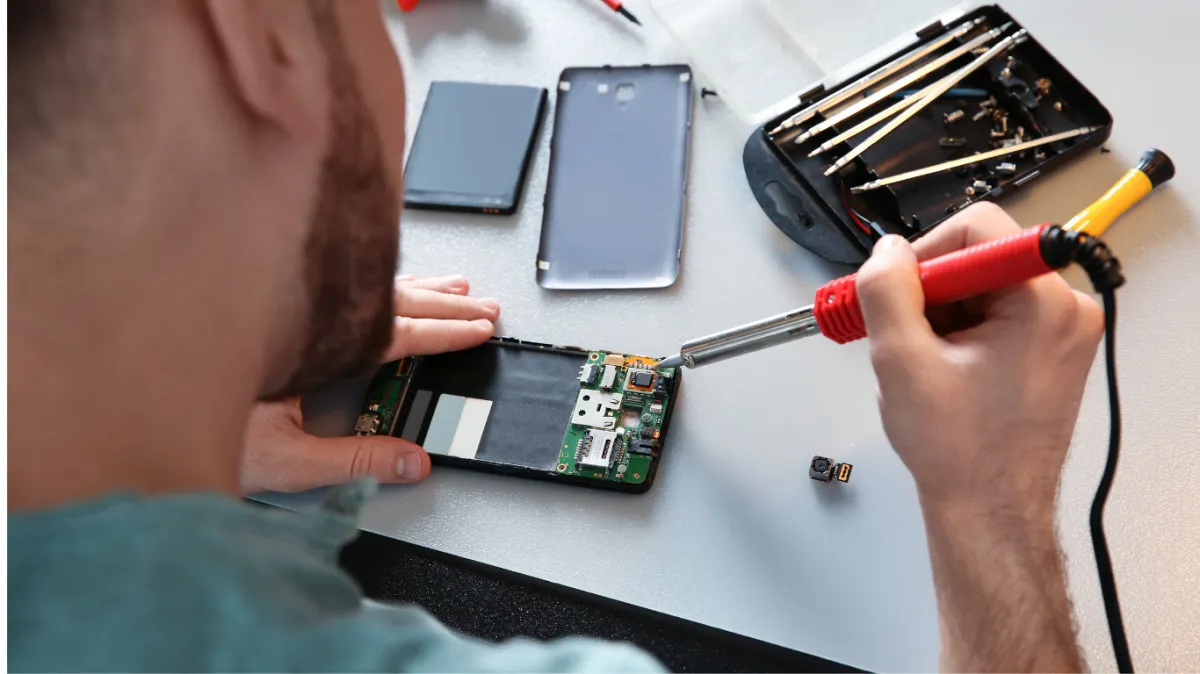
This requires precision soldering. The console has to be disassembled, the damaged connector removed, the board inspected, and the new port installed with the contacts correctly connected.
If the original damage has also affected the board, additional repair may be required before the replacement port can work reliably.
After repair, the console should be tested to confirm that the picture remains stable without holding the connector in a particular position.
PS5 HDMI Repair in Southgate, MI
If your PS5 keeps losing picture whenever the HDMI cable moves, repeatedly adjusting the cable is not a reliable long-term solution.
Start with a known-good HDMI cable, another television input, and another display if one is available. If the screen still cuts out when the cable moves at the PS5, the HDMI port or the connection between the port and motherboard may need professional inspection.
Moe-Bile Repair provides game console repair services in Southgate, MI and lists PlayStation 5 systems among the consoles it services. A proper diagnostic can help determine whether the problem comes from the cable, HDMI connector, damaged contacts, solder connections, or deeper video circuitry.
You can visit Moe-Bile Repair’s Southgate location or contact Moe-Bile Repair to have the console evaluated.
The goal is not simply to make the picture return temporarily. A successful repair should restore a stable HDMI connection so your PS5 can maintain video output without pressure, cable positioning, or repeated signal loss.
