




Why Does My Samsung Phone Ring and Vibrate but the Screen Stays Black?
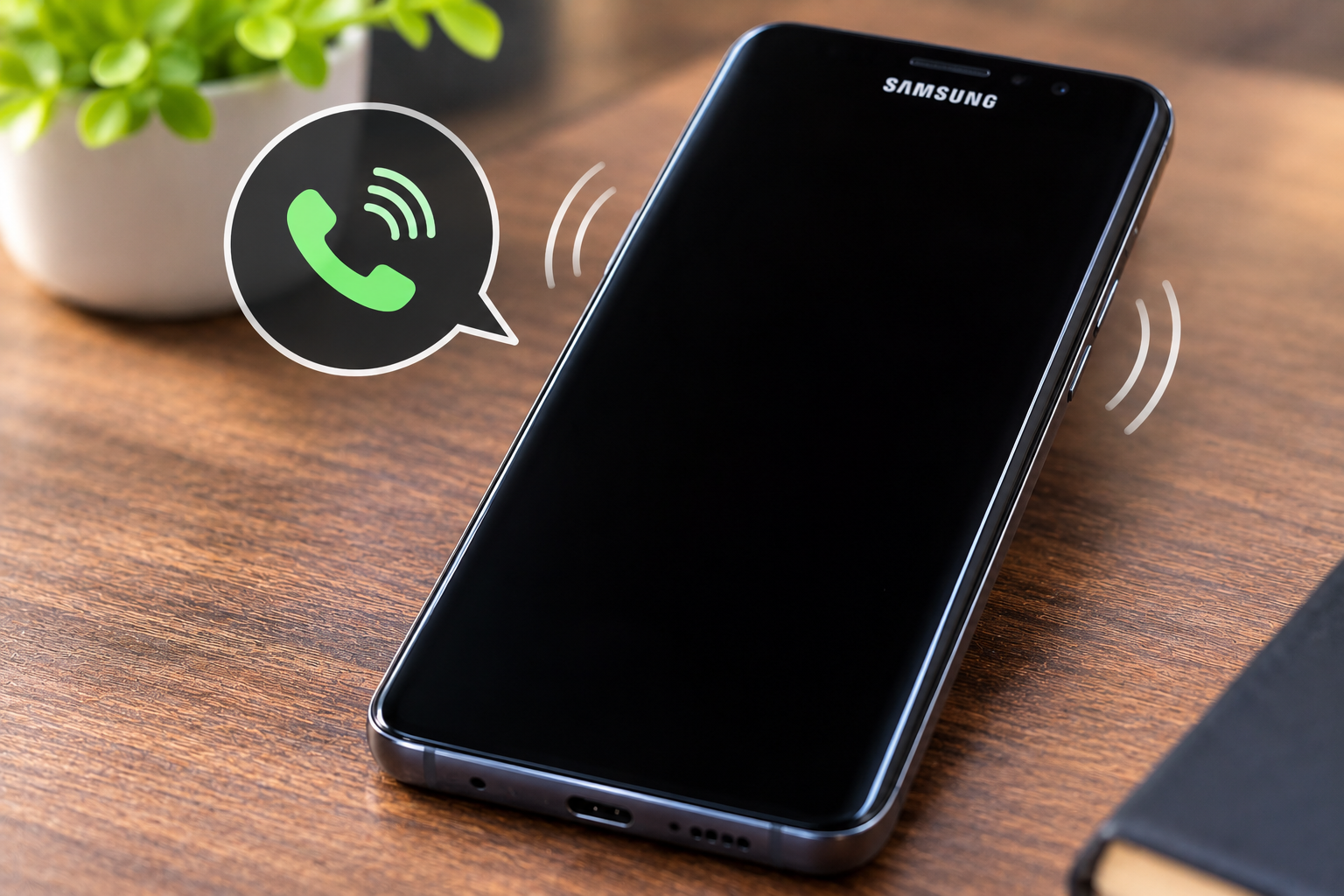
A Samsung phone that still rings, vibrates, receives notifications, or makes charging sounds is giving you an important clue: the phone may still be running even though the display is not producing a visible image.
That situation is different from a phone that is completely dead. The most likely causes include a failed OLED display, screen connector damage, impact damage, liquid exposure, software failure, or a deeper power issue.
Moe-Bile Repair provides Android and Samsung repair in Southgate, MI for screen, battery, charging, water-damage, and diagnostic problems.
The phone may be alive behind a failed display
Call the phone from another device, connect it to a charger, and listen for sounds or vibration. If it responds consistently, the operating system may be booting normally behind the black screen.
Samsung OLED panels can fail internally after a drop even when the outer glass does not look badly cracked. The display may suddenly go black, flash briefly, show green lines, or develop purple or ink-like areas.
Because the phone still receives calls, people often assume a restart will fix it. Sometimes a forced restart helps if the cause is software, but repeated black screens after impact usually point toward hardware.
Drops can damage more than the glass
A hard impact can damage the OLED panel, flex cable, connector, or frame. If the black screen started immediately after the phone fell, physical damage should be high on the list.
Do not press or twist the screen to try to bring the image back. If movement changes the image, that detail can help during diagnosis, but repeatedly flexing the device can worsen the damage.
A case can also hide a bent frame, so the phone should be inspected for more than just visible glass damage.
Liquid exposure can cause delayed failure
Moisture can affect the display connector, board, or battery. The phone may continue working at first and then lose the screen later as corrosion develops.
If the device was wet before the display failed, avoid repeated charging if it becomes hot or unstable. Tell the technician about the exposure even if it happened days earlier.
Protect your data before trying major software fixes
If the phone is clearly still operating, important data may still be intact. A factory reset will not repair a failed screen and can erase data that might otherwise remain accessible after hardware repair.
Do not jump straight to recovery-mode wipes unless you already have a backup and there is a clear software reason to do so.
Repair diagnosis should come first when the black screen followed a drop, liquid exposure, or visible screen damage.
How a technician narrows down the cause
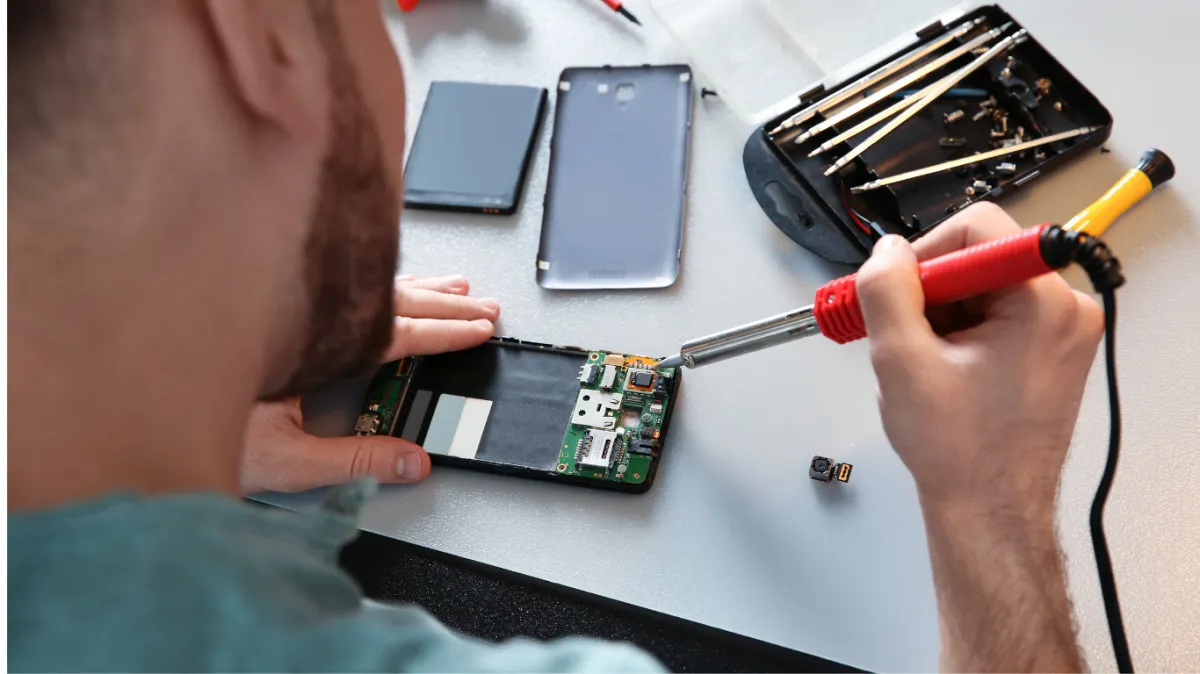
A technician can verify whether the phone is booting, inspect the screen and frame, check battery behavior, look for liquid damage, and test whether the display assembly has failed.
The goal is to determine whether the phone only needs screen repair or whether the damage extends to the connector, battery, or motherboard.
Moe-Bile Repair’s Android repair service covers Samsung screen repair and other common Android hardware issues.
A black screen does not automatically mean you need a new phone
If the phone is still ringing and functioning behind the display, repair may be more practical than replacing the entire device. The decision depends on the Samsung model, overall condition, battery health, and repair cost.
A diagnostic result gives you a much better basis for that decision than assuming the phone is finished because the display is dark.
Could the screen be black even if it is not cracked?
Yes. OLED damage can occur beneath intact glass. A strong impact, pressure inside a bag, or a bend in the frame can damage the display layers without producing an obvious spiderweb crack on the surface.
That is why a Samsung can look physically clean but still have a completely failed display. You may also see a brief green flash, colored line, or purple patch before the screen goes dark. Those symptoms are particularly useful because they point strongly toward the OLED panel.
If the display returns occasionally, back up important data while you still can. Intermittent screens often become less reliable over time.
What if the phone is still unlocked and connected to a computer?
In some cases, a phone that was already trusted by a computer may still allow limited access to files, but security settings often require you to unlock or approve prompts on the phone itself. A black display can make that impossible.
Do not assume that a factory reset is the easiest way forward. If the phone is still booting, repairing the screen first may restore normal access without erasing data.
That is especially important when the phone contains photos, contacts, authentication apps, or files that are not backed up elsewhere.
When repair is usually worth considering
A Samsung that is still receiving calls, charging, and responding normally may have a relatively isolated display problem. If the model is still useful to you and the rest of the phone is in good condition, screen repair may be more economical than replacing the entire device.
On the other hand, severe frame damage, battery problems, liquid damage, and an expensive screen replacement can change the equation. A diagnostic inspection gives you the information needed to compare repair cost with replacement value.
What to bring and what to avoid before service
Bring the phone and the charger you normally use. If the issue began after a fall, tell the technician how the phone landed and whether the screen showed lines, flashes, or discoloration before going black.
If liquid exposure occurred, mention when it happened and whether the phone was charged afterward. Even older exposure can matter if corrosion developed gradually.
Avoid repeated factory resets or software flashes unless you already have a full backup. Preserving the current state can make diagnosis easier and may protect data that is still accessible once the display is restored.
When a black screen should be checked quickly
If the phone is still receiving calls but the screen stays black after a restart, the display issue is unlikely to fix itself. Waiting can make data access harder if the phone later develops a battery or power problem too.
Have it checked sooner if the screen failed after a drop, the frame is bent, or the device has liquid exposure history. Those conditions can affect more than the panel and may worsen over time.
Early diagnosis also gives you a clearer repair-versus-replace decision while the rest of the phone is still functioning.
If the phone still responds to fingerprints, vibrations, or incoming calls, mention those details during service. They help confirm that the phone is booting normally behind the failed display and can reduce unnecessary troubleshooting of the battery or charging system.
A black screen that appears without any drop or liquid exposure can still be hardware-related. OLED panels and internal connections can fail with age or heat, so a clean exterior does not rule out a physical display problem.
Get Your Samsung Black Screen Checked in Southgate, MI
If your Samsung still rings or vibrates but the display stays black, contact Moe-Bile Repair for a proper diagnosis. We can determine whether the screen, connector, or another internal component needs repair. Visit our Southgate location for service.
